A topic lower third for tutorials, coding sessions and making projects. Download one HTML file, add it to OBS as a local Browser Source, and keep your words close to the work.
No purchase or sign-in. Static text, local system fonts, no scripts in the overlay. The ZIP includes the HTML, setup notes and MIT licence.
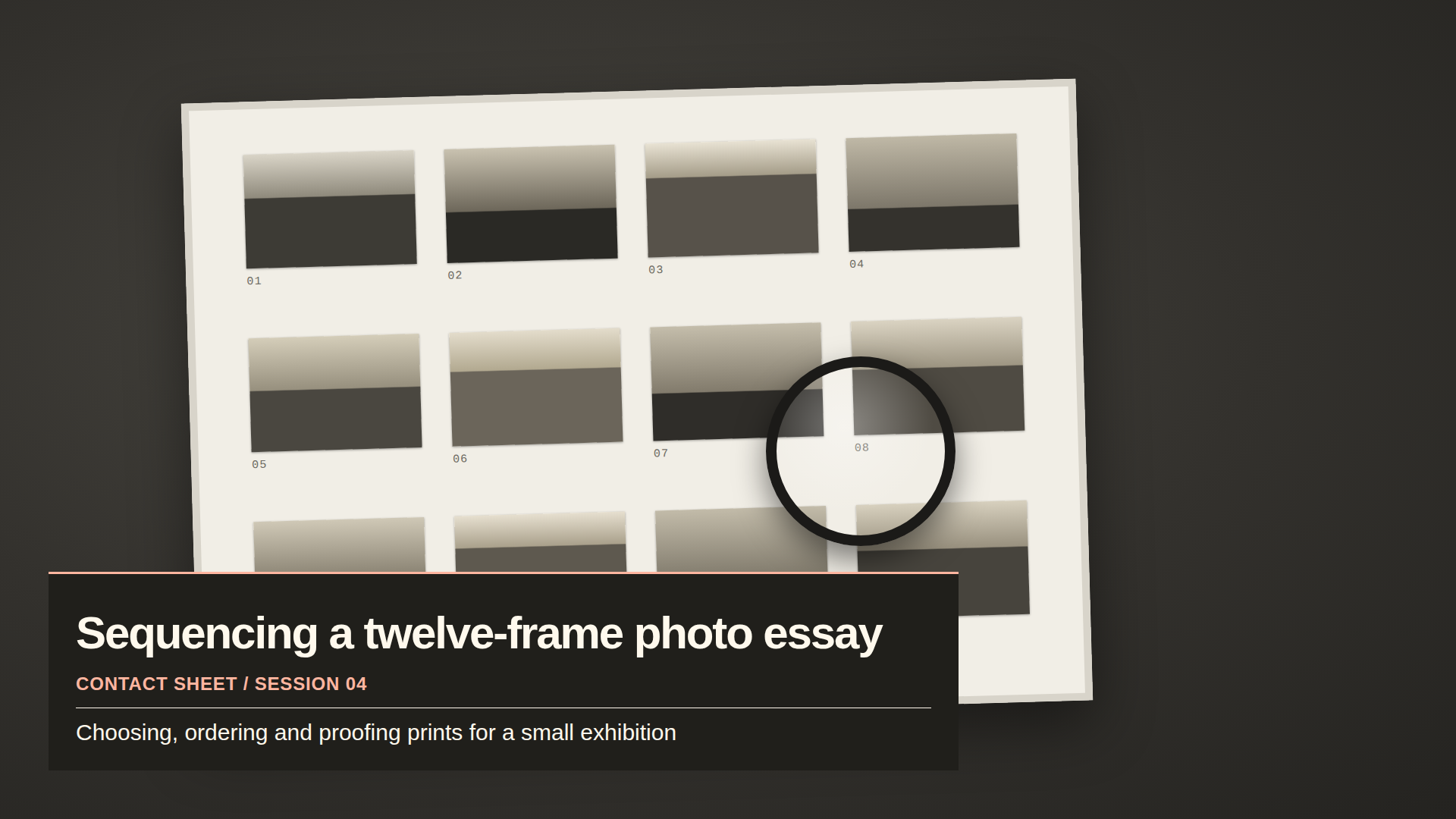
The sample file rendered in Chrome at 1920 × 1080 over a stand-in scene. Around the panel the file is transparent, so your own scene shows through in OBS.
Add it in a few steps.
Extract the ZIP and keep lower-third-1080p.html in a permanent folder.
In OBS: Sources → + → Browser. Create a new source, enable Local file and choose the HTML.
Set Width 1920 and Height 1080. Leave Custom CSS empty. Reset the source transform and place it above the content it should cover.
Record a short local test and inspect the saved output. After editing the file, refresh it in source properties.
To change the sample's words, open the HTML in a plain text editor. Edit the text inside the heading, session-label and subtitle tags; keep the tags intact. Read the complete sample notes for escaping special characters and matching a smaller canvas.
Silent videos with on-screen text. The first and third show the overlays rendered at native size, with OBS steps as instruction cards. The second shows the full pack's offline editor, which is not included in this single-file free sample.
01 · Add a local source
50 seconds · local-file setup, source dimensions and refreshing edits
A topic line can give viewers a little context while you work. This free Clear Session lower third is one local HTML file, with no scripts, remote fonts or sign-in.
The video walks through creating a Browser Source, choosing Local file, matching 1920×1080 source dimensions and refreshing after edits. The OBS steps are instruction cards, and the overlay itself is shown as a Chrome render of the exported file.
Download the complete free sample and its setup notes: https://ntoledo319.github.io/many-routes-clear-session-sample/
The sample is MIT licensed for personal and commercial use. Test it on your own machine before a broadcast. Our earlier OBS test on a software-rendered Linux machine missed its 30 FPS target, so there is no frame-rate or low-CPU promise.
An exported overlay and its editable settings are two useful files. The HTML is what OBS displays. The JSON is what you load back into Clear Session's editor when you want to change the words later.
These screens from the real editor change a three-step agenda, selects the current step, rejects an unreadable color pair, saves JSON, exports HTML and restores the saved design. Nothing is autosaved or sent to a server. Changing the editor alone does not update OBS: replace the HTML and refresh the source.
Try the free standalone lower third and watch the setup videos: https://ntoledo319.github.io/many-routes-clear-session-sample/
The full editor shown here is included in the $19 Clear Session pack: https://payhip.com/b/Ss7bj. It is not included in the free single-file sample. No live alerts, countdown or automatic agenda progression is implied.
Before enlarging your overlay, check the dimensions of the original Browser Source. A native 1920×1080 file should use a 1920×1080 source on a matching base canvas. The Clear Session full pack also exports native 1280×720 files.
This short guide explains why a reduced editor or OBS preview is not the final output, and shows the 720p agenda at its native size, 1:1 inside the tutorial. Keep words short, inspect a saved local test at its actual size, then check a smaller viewing size too.
Free sample, local-source instructions and all three tutorials: https://ntoledo319.github.io/many-routes-clear-session-sample/
Our earlier OBS 32.2.2 test ran on one software-rendered Linux machine, which missed 30 FPS; it is not a test across every platform. Try the sample and check your own OBS Stats before using it live.
An earlier version of the sample rendered in OBS 32.2.2 with Browser Source on Linux; this version has been checked in Chrome and is due for the same OBS check. That software-rendered test machine missed its 30 FPS target. No frame-rate or low-CPU guarantee is established. Try it on your own streaming machine and inspect OBS Stats and a local recording. Windows/macOS and real viewer readability have not been tested.
What is included?
One ready-to-use 1080p topic lower third, setup notes and an MIT licence. It has no automatic alerts, chat/follower data, countdown, music or webcam frame. The full local pack adds an offline editor, a manual side agenda, a break card and native 720p examples. Get the full pack for $19.
Can I use it in a monetized stream?
Yes. The free sample uses the MIT licence. You may use or modify it for personal or commercial broadcasts. Keep its licence notice when redistributing the source file.
Independent work; not affiliated with OBS. No user accounts, form submissions or analytics scripts are included on this page.